The Practical Guide to Remote Work Focus: How to Stay Productive Without Burning Out
Remote work killing your focus? This practical guide covers proven remote work focus strategies, boundary-setting, and burnout prevention that hold up on a…

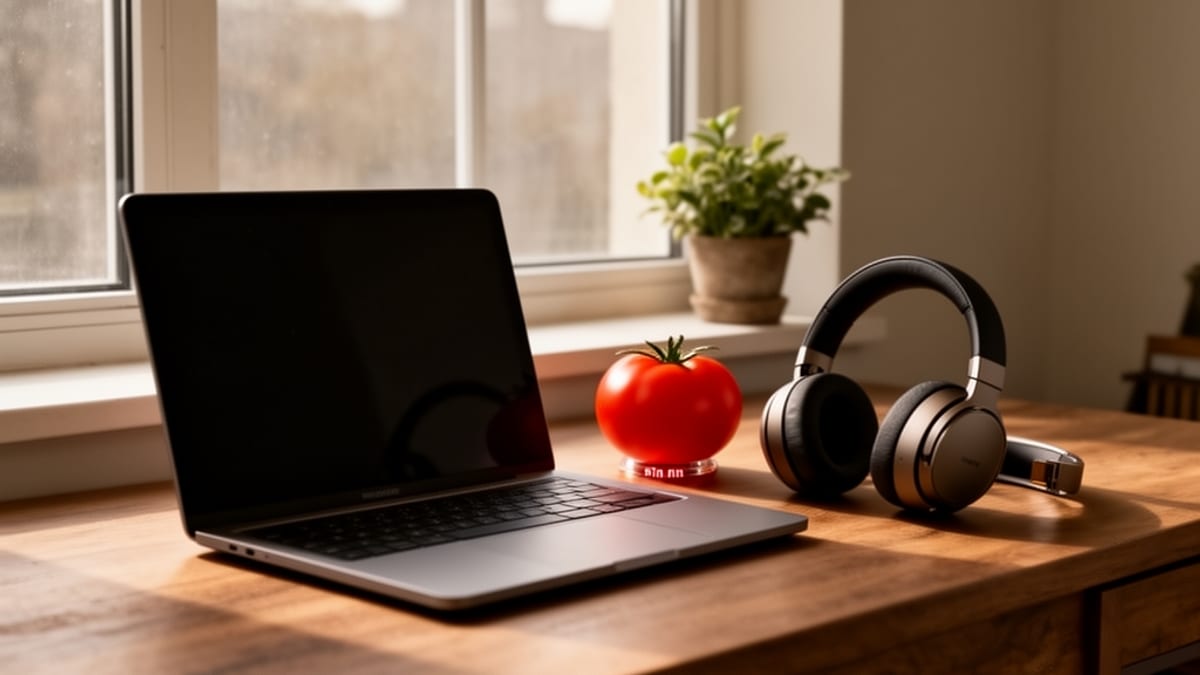
You sit down at the same table where you ate breakfast, answer three Slack messages before opening your real work, and somehow hit noon without finishing the one task that actually mattered.
That's remote work for a lot of people.
Not because you're lazy. Not because you need more discipline. Usually it's because home collapses too many roles into one space, and your tools keep inviting other people into your attention all day long.
Remote work can absolutely be productive. Nicholas Bloom's well-known work-from-home research found measurable productivity gains, but also flagged isolation and the tendency to overwork as real risks [Source: Stanford University/NBER]. So the goal isn't just to get more done. It's to create a way of working that protects your focus and your nervous system at the same time.
Here's how to do that in a way that actually holds up on a normal Tuesday.
The Hidden Cost of Working Where You Sleep
Why "context collapse" destroys your attention span
Your brain likes cues.
A commute, an office door, even changing clothes can act like a switch, telling your mind: now we're working. At home, those signals disappear. The same room becomes office, kitchen, gym, and recovery space. That collapse of contexts makes it harder to enter deep work and harder to leave it behind later.
Harvard Business Review describes this as boundary work. When work and personal life happen in the same place, you need deliberate transitions to replace the ones that used to happen automatically [Source: HBR, 2020]. The APA has also warned that remote work can intensify an always-on culture because physical boundaries are gone, raising stress and burnout risk [Source: APA].
You feel this in practical ways:
- You open your laptop "just for a second" after dinner.
- You never fully settle into focus because home still feels like home.
- You're technically available all day, but mentally scattered.
That's not a motivation problem. It's an environment problem first. If you want better remote work focus strategies for deep work, start by accepting that your brain responds to context more than good intentions.
The difference between being busy and being focused at home
Remote work creates a special kind of fake productivity.
You answer messages. You check dashboards. You reorganize your task list. You skim docs. You feel exhausted by 5 p.m. But the real deliverable, the thing that required clear thought, is still open in another tab.
Being busy is reacting. Being focused is advancing a defined piece of work. At home, those blur because there's no visible social signal telling you what counts as progress. In an office, a finished deck, a shipped ticket, or a meeting outcome creates structure. At home, activity starts to feel like accomplishment.
This is where a lot of advice fails. It tells you to "stay disciplined" without helping you distinguish shallow work from deep work. A better question is: what exact output should exist by the end of this work block?
If you can't answer that, you're probably about to drift.
Rebuilding Your Boundaries: The "Fake Commute"
Psychological triggers that initiate deep work
The fake commute sounds silly until you try it seriously.
HBR recommends creating intentional transitions into and out of work when you work from home [Source: HBR, 2020]. That could be a short walk, a coffee made only before work, a playlist, a notebook review, or sitting in a specific chair only during work hours. The specific ritual matters less than consistency.
You need a repeatable trigger.
Mine has usually looked like this:
- Leave the phone in another room.
- Make coffee.
- Review the day's top two deliverables.
- Start the first focus block before checking chat.
That sequence tells my brain work has started. Not vaguely. Officially.
If you're trying to figure out how to focus working from home with ADHD, this matters even more. External cues reduce the load on working memory. You're not relying on willpower every morning. You're building a runway. For a deeper look at adapting these strategies, the ADHD Pomodoro Technique offers practical ways to use external cues and modified sprint lengths for neurodivergent brains.
Keep it simple. Five to ten minutes is enough. The point isn't ritual for ritual's sake. It's state change.
Shutting down: Creating a ruthless end-of-day ritual
Starting matters. Stopping matters more.
The APA's reporting on remote work makes the danger clear: without boundaries, work stretches into every corner of the day, and that constant availability becomes a stressor of its own [Source: APA]. If you don't mark an ending, your brain keeps a background process running all evening.
A proper shutdown ritual should do three things:
- Mark what got finished.
- Decide what happens first tomorrow.
- Remove the need to mentally rehearse unfinished work at night.
A simple script works:
- Write down completed tasks.
- Choose the first task for tomorrow.
- Close work apps.
- Physically leave the workspace, even if it's just one corner of a room.
For about two years I told myself I didn't need a shutdown ritual. I'd just close the laptop when I felt done. The problem was I never felt done. When you're managing SEO campaigns and ad accounts for dozens of clients across two time zones, there's always one more notification from Google Ads, one more keyword report to glance at. I'd "stop working" at seven, then check Search Console on my phone at nine while pretending to watch something with my wife.
What finally changed it was something stupidly simple. I started keeping a half-sheet of paper next to my keyboard. At the end of the day I'd write three things I finished and one thing I'd start with tomorrow. Then I'd close every tab, quit Slack, and walk out of my office to the kitchen. The whole thing takes maybe ninety seconds. But that piece of paper acts like a receipt. My brain stops running the background inventory because the information is already stored somewhere external. Some nights I still get the itch to peek at a client's campaign performance, but knowing tomorrow's first move is already decided makes it a lot easier to leave it alone.
Be ruthless here. Not aspirational. Ruthless.
If your day ends at 6:00, don't linger in Slack until 6:27 because one more quick reply feels harmless. Those little leaks are what turn remote work into permanent low-grade tension.
Taming the Digital Office: Async vs. Sync Focus
Why Slack and Teams are the new open-office interruptions
A lot of remote work advice still treats distraction like it's mostly your fault. Social media. Procrastination. Self-control. That framing is outdated.
For many knowledge workers, the real interruption engine is internal communication: Slack, Teams, email, shared docs, comment threads. The digital office is the office now.
Research in Nature Human Behaviour on remote work and collaboration found that communication patterns became more siloed and more asynchronous in remote settings [Source: Nature Human Behaviour]. That shift has benefits, but it also creates a new burden. You have to manage communication intentionally, or it expands to fill the day.
The old interruption was a tap on the shoulder. The new one is a ping that carries social pressure. It feels rude not to answer. So you answer. Then another message arrives. Then your working memory gets shredded.
This is one of the biggest reasons the Pomodoro technique for remote workers needs adaptation. A timer alone won't save you if your workplace expects instant replies all day. You need communication rules. For a practical playbook on this, how to manage notifications for deep focus covers Slack, email, and phone hygiene in detail.
Batching communications to protect deep work blocks
If your role allows it, batch communication into specific windows.
For example:
- 9:00 to 9:20, check and respond
- 11:30 to 11:50, second pass
- 2:30 to 2:50, third pass
- 4:30 to 4:45, final cleanup
Everything else gets handled asynchronously unless it's truly urgent.
This does two things. It protects uninterrupted work blocks. And it resets expectations. People learn that you respond reliably, just not instantly.
You can make this easier with status messages:
- "Heads down on project work until 11:30. Text if urgent."
- "In focus block. Will reply in the next Slack window."
- "Working async this morning. Checking messages at noon."
That's not antisocial. It's professional.
And if you manage a team, make urgency explicit. "Need by EOD" is not urgent. "Production issue affecting clients" is urgent. Without shared definitions, everything arrives with the same emotional weight.
The Pomodoro Technique Adapted for Remote Realities
Why standard 25-minute blocks fail in a chaotic house
The classic Pomodoro format is useful, but it's not sacred.
Twenty-five minutes can be too short for demanding work and too rigid for home life. If you've got kids in the house, deliveries at the door, or a brain that takes ten minutes just to settle, the standard block creates frustration instead of momentum.
That doesn't mean the method is broken. It means you should adapt it.
Three versions I've found work better in real home environments:
- 25/5 for admin or light tasks
- 40/10 for writing, analysis, or strategy work
- 50/10 for deep work when you're already locked in
The principle is what matters: work in a protected block, rest briefly, repeat. If you want a research-backed breakdown of which interval actually fits different types of work, the best Pomodoro length is worth reading before you commit to a format.
If you're looking for time management tips for hybrid employees, this matters too. Office days may favor shorter reactive blocks. Home days may support longer deep-work cycles. Your timer should match the task and the environment.
Task-pairing: Linking your Pomodoros to specific deliverables
This is the big shift.
Don't start a Pomodoro with "work on marketing plan." That's too vague. Pair each focus block with a single concrete deliverable.
Examples:
- Draft intro and section one of proposal
- Reconcile March ad spend spreadsheet
- Write three client email replies
- Fix header bug on checkout page
- Outline article with five headings
One block. One defined outcome.
It solves a common problem with generic timers: you can spend 25 minutes "working" and still avoid meaningful progress by bouncing between tabs, messages, and half-decisions. A task-paired block gives your attention a target.
This is the core idea most productivity systems miss. Your to-do list tells you what matters. Your timer tells you when focus happens. Put them together and your workday stops feeling abstract. If you want to see how this fits into a broader framework, Pomodoro vs Time Blocking vs GTD breaks down how these systems complement each other.
Designing a High-Focus Home Environment
Environmental cues that signal "work mode"
Your home setup doesn't need to be expensive. It needs to be legible.
You should be able to walk into your workspace and feel one thing clearly: this is where focused work happens.
Useful work-mode cues include:
- A dedicated lamp you only turn on during work
- Headphones that signal focus mode
- A cleared desk surface
- A written card with today's top task
- A browser profile used only for work
These cues matter because they reduce friction. They shorten the distance between sitting down and starting. The HBR guidance on transitions supports this broader idea: the more intentional your boundaries and rituals, the easier it is to move between roles without emotional spillover [Source: HBR, 2020].
You don't need a Pinterest office. You need reliable signals.
Managing physical clutter to reduce cognitive load
Visual clutter is not neutral.
Every unopened mail stack, tangled cable, and random object in your line of sight competes for a sliver of attention. Maybe not enough to notice consciously, but enough to add drag.
When your work already lives in the same space as life, clutter has extra force. It reminds you of chores, errands, unfinished decisions.
So keep the workspace aggressively simple:
- One notebook
- One water bottle
- Only the tools for the current task
- Everything else out of sight
This is less about aesthetics and more about cognitive load. A clean surface narrows your options. Narrower options usually mean faster starts.
Recognizing and Reversing Remote Burnout
The signs of toxic productivity and screen fatigue
Remote burnout rarely announces itself dramatically.
It often starts as a subtle inability to disengage. You keep checking. You feel guilty resting. You confuse visible activity with responsibility. Then your concentration drops, your patience shortens, and even easy tasks start feeling heavy.
The APA has linked remote work's blurred boundaries to higher stress and burnout risk, especially when workers feel they must always be available [Source: APA]. Stanford's work-from-home research also points to overwork as one of the key risks alongside productivity gains [Source: Stanford University/NBER].
Watch for these signs:
- You feel uneasy when not checking messages
- Your eyes are tired but you keep scrolling
- Breaks feel undeserved
- You work longer but finish less meaningful work
- Evenings don't feel restorative anymore
That's not a cue to push harder. It's a cue to intervene.
Micro-breaks and the science of cognitive resource recovery
Breaks work best when they are real breaks.
Research in the Journal of Applied Psychology found that break activities helping you detach from work support better resource recovery during the day [Source: Journal of Applied Psychology]. In plain terms: if your "break" is checking another inbox, you're not recovering. The science behind why breaks matter for productivity goes deeper into this if you want the full picture.
Good micro-breaks are short and mentally distinct:
- Stand up and walk outside
- Stretch without your phone
- Refill water
- Do a few minutes of breathing
- Look at something far away to rest your eyes
Bad breaks tend to look like:
- Doomscrolling
- Reading news that spikes stress
- Replying to "just one quick thing"
- Opening social apps that leave you more stimulated than rested
For avoiding burnout while working remotely, this is one of the highest-return habits I know. Build the break before you need it. Don't wait until your brain is cooked.
Bridging the Gap Between Tasks and Time
Unifying your to-do list with your focus timer
A to-do list without time is wishful thinking. A calendar without tasks is just blocked space.
The fix is simple. Each morning, pick your important tasks and assign them to actual focus blocks. Not vaguely "today." At 9:00 to 9:40. At 10:00 to 10:50. At 2:00 to 2:25.
That gives you a working plan:
- What you'll do
- When you'll do it
- What "done" means for each block
This is the heart of sustainable remote productivity. It reduces decision fatigue, protects deep work, and makes interruptions easier to evaluate. If a message arrives during a scheduled block, you can make a conscious choice instead of automatically switching.
For anyone searching remote work focus strategies for deep work, this is the system shift that matters most.
Tracking real output with TaskPomo instead of just "hours logged"
Hours are a weak measure of knowledge work.
You can sit at your desk for eight hours and spend most of that time in fragments. What matters more is completed output: what got written, solved, reviewed, shipped, or decided.
That's why I prefer tracking completed focus blocks tied to specific tasks. It creates a cleaner record of real progress. Not "worked on campaign." Better: "completed keyword clustering for client A in two blocks" or "finished first draft in three blocks."
TaskPomo is built around that idea. You don't just start a timer and hope for the best. You pair the timer with the task, finish the block, and see what was actually produced. That changes your relationship with work. You stop performing busyness and start measuring completion. If you work better alongside others, focus rooms let you join or host a live session so the accountability is built in.
If you want to try this today, do one small reset. Pick tomorrow's top three tasks tonight. Break each into one specific focus block. Then create a start ritual and an end ritual that both take less than ten minutes.
That's enough to make remote work feel like work again, instead of a never-ending tab left open in your life.